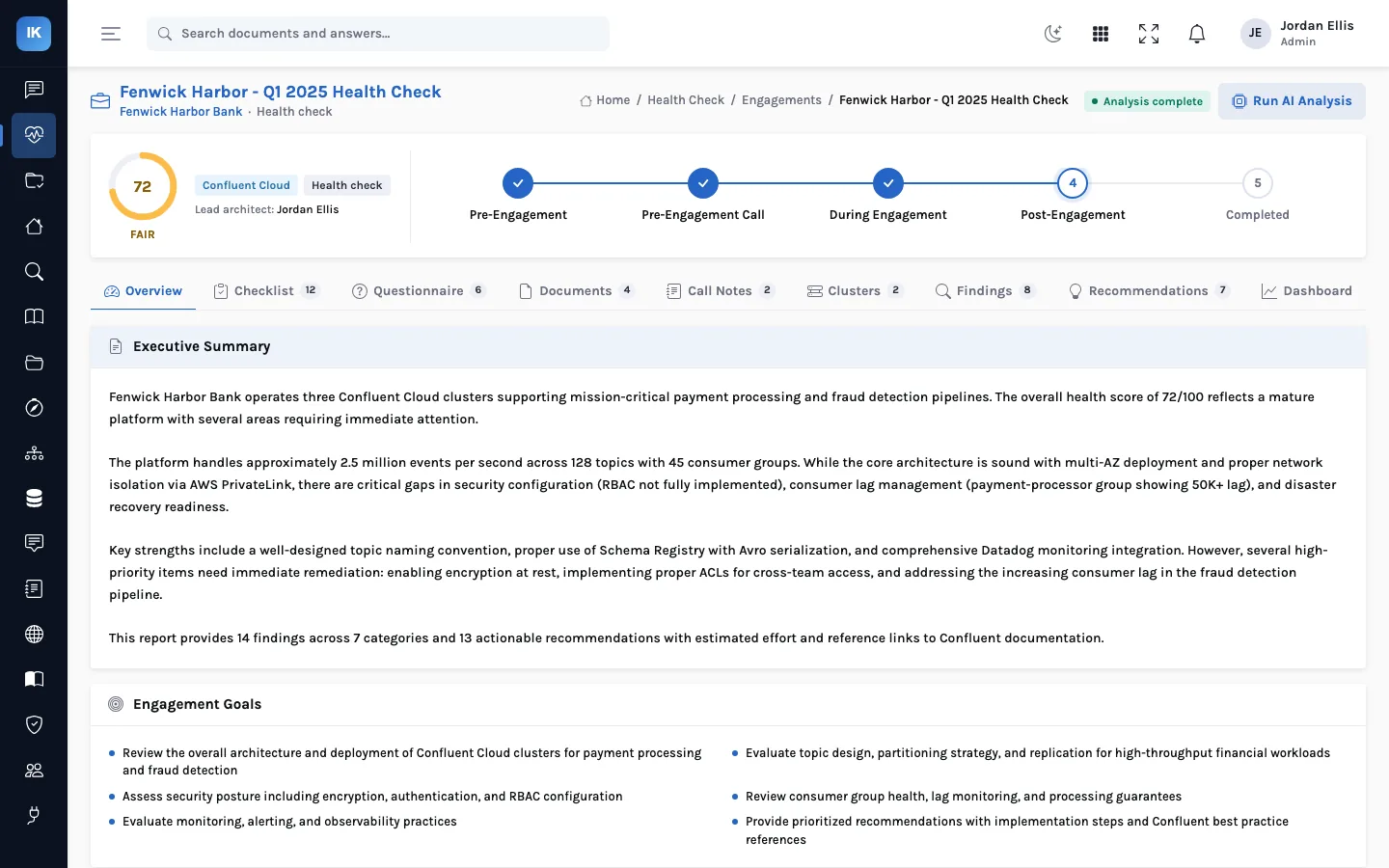
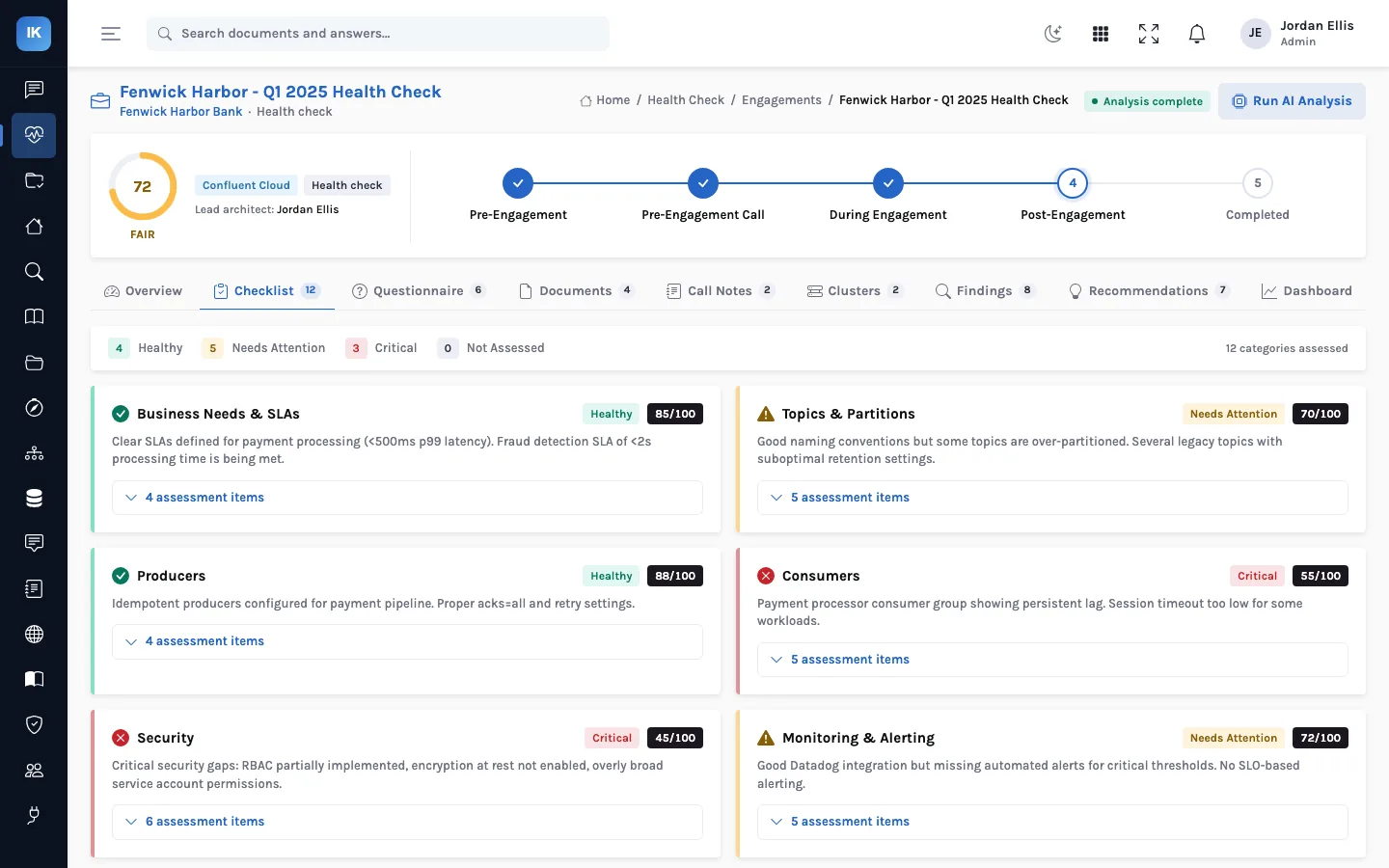
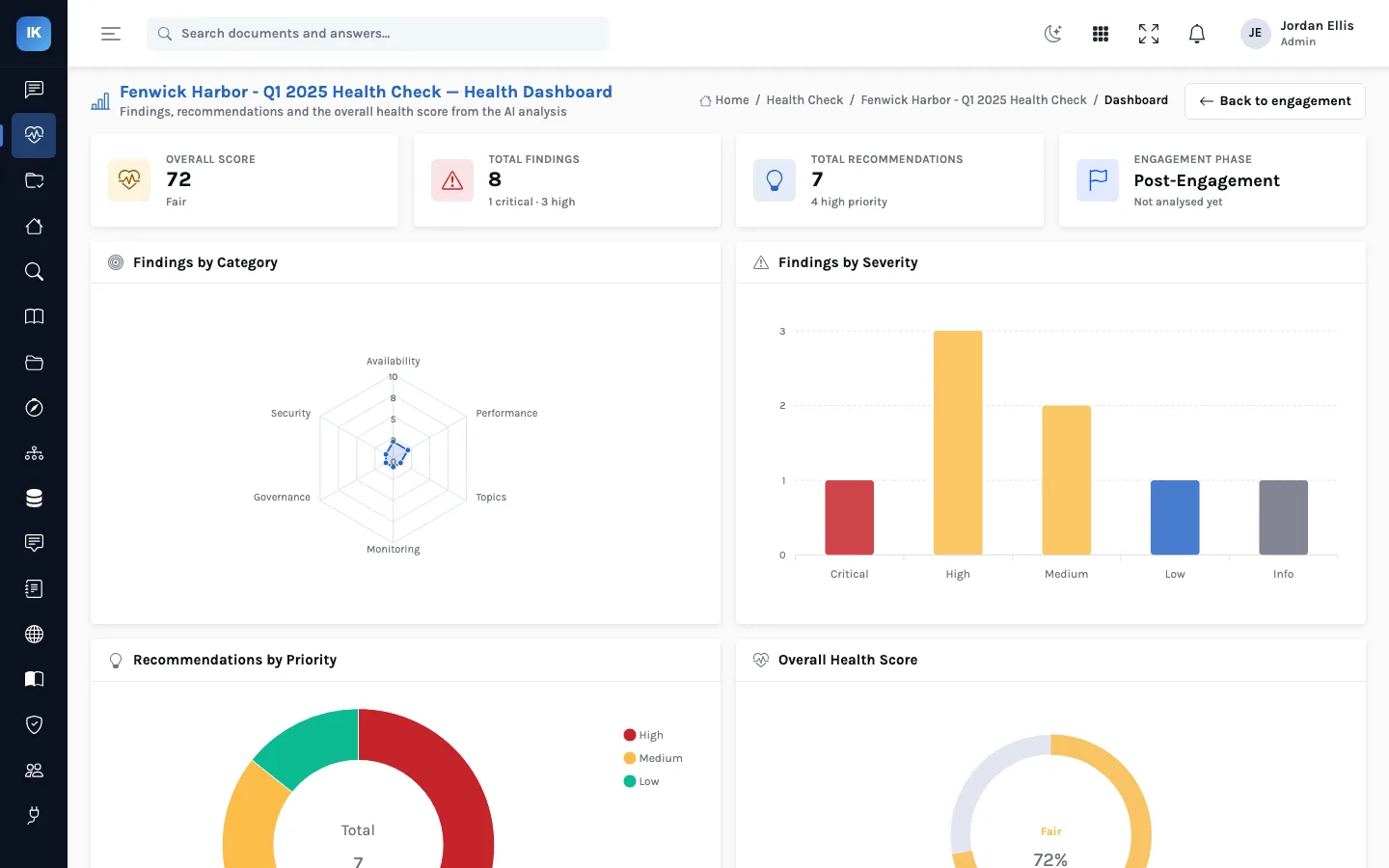
A health check is only as good as what goes into it. The most common reason a review takes twice as long as planned is that the files arrive late, or from one broker instead of all of them. This guide is for the platform team on the receiving end: what to collect, in what form, and what to leave out.
1. The questionnaire
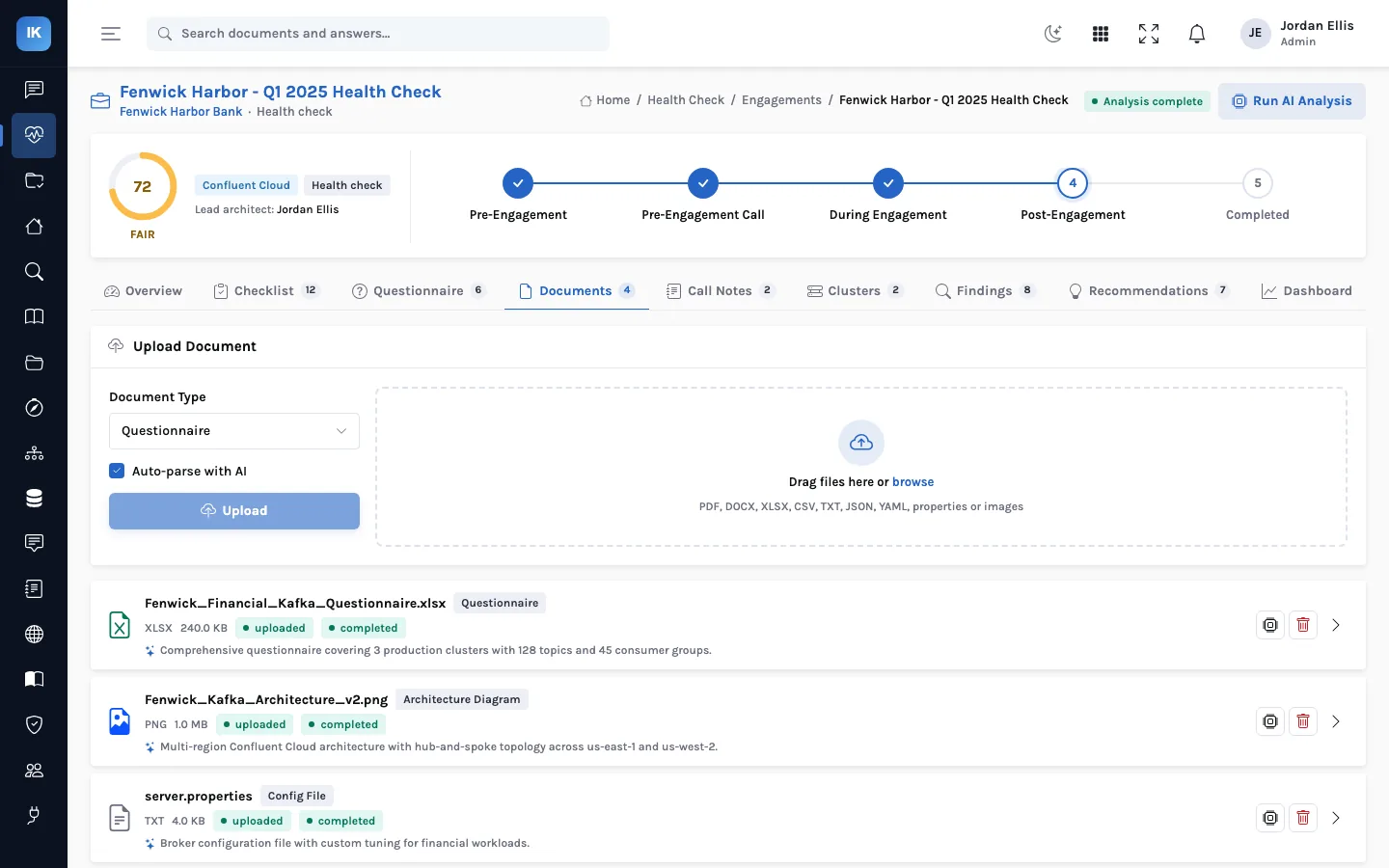
Answer it in the spreadsheet you are sent, rather than in an email, so it can be parsed into structured answers. The sections that matter most are the environment (clusters, versions, deployment, regions), the platform features in use (Schema Registry, Connect, tiered storage, cluster linking), the use cases, known issues and priority areas. “We don't know” is a useful answer; a guess is not.
2. Configuration, per broker
| Collect | Why |
|---|---|
server.properties from every broker | Settings drift between brokers; one file hides that |
zookeeper.properties (if ZooKeeper is used) and control-center.properties | Timeouts, connection limits, retention of snapshots |
sysctl -a output from each broker host | Swappiness, socket buffers, file limits |
The broker JVM options (KAFKA_HEAP_OPTS, KAFKA_JVM_PERFORMANCE_OPTS) | Heap size and garbage collector |
| For Confluent Cloud: cluster type, settings and any exported configuration | There are no broker files, but cluster and topic settings still matter |
3. Listings, per cluster
- Topics with partitions, replication factor and their non-default configuration (retention, cleanup policy,
compression,
min.insync.replicas). - Consumer groups with members, lag per partition and assignment strategy, ideally at a busy time of day.
- Connectors with class, state and task states.
- Schema Registry subjects with their compatibility setting.
- A note of monitoring and alerting: what is collected, what alerts exist, and who receives them.
How to collect the listings
For self-managed Apache Kafka or Confluent Platform, the standard tools produce what the review needs. Run them against each cluster and save the output as text files, one per command:
| For | Command or endpoint |
|---|---|
| Topics, partitions, replicas and ISR | kafka-topics --bootstrap-server <host:port> --describe |
| Topic and broker overrides | kafka-configs --bootstrap-server <host:port> --describe --entity-type topics (and brokers) |
| Consumer groups, members and lag | kafka-consumer-groups --bootstrap-server <host:port> --describe --all-groups |
| Connectors and task states | Kafka Connect REST: GET /connectors?expand=status |
| Schema compatibility | Schema Registry REST: GET /config and GET /config/<subject> |
The script names differ slightly between distributions (with or without .sh). Add the client properties file with
--command-config if the cluster requires authentication. For Confluent Cloud or Redpanda Cloud, export the same information
from the provider's console or CLI.
Naming the files
InsightKafka works out a file's type from its name, so name files by broker and content: broker-1-server.properties,
broker-1-sysctl.txt, broker-1-jvm.txt. A name containing sysctl is read as sysctl output, and one
containing jvm, heap or env as JVM options, so keep “env” out of the name of a
properties file.
4. What to leave out
sasl.jaas.config, keystore and truststore passwords, connector credentials) before upload: a health check needs to know that authentication is configured, not the credentials themselves. Do not include message payloads or customer data from topics.To find what needs masking before you upload, search each file for the usual key names, for example
grep -niE 'password|secret|jaas|token' server.properties, and replace each value with a placeholder. Keep the key itself: the
review needs to see that it is set.
5. On the call
- Walk through the last three incidents or near misses, and what was done.
- Name the topics and consumer groups that matter most to the business, and their latency expectations.
- Say what is about to change: a migration, a new workload, a version upgrade.
- Agree how the findings will be prioritised: by business impact, by effort, or both.
Afterwards
Everything collected stays in the engagement: files, answers, notes, clusters and findings. When the next health check comes round, start a new engagement for the same customer and upload the same set of files; the differences in findings and score show what changed.
What happens to the files after upload
Each file is stored with the engagement and given the type chosen at upload. Configuration files are read by the rules when they are analysed, and the answers appear on the checklist. Other documents are parsed in the background when auto-parse is on, show a status until they finish, and keep a short summary of what was found. Parsing reads the first 50,000 characters of a document, so a very long export is better split into one file per cluster or per section.
If you are on Confluent Cloud
There are no broker or host files to collect, so the configuration rules have little to read. The weight of the review moves to the listings (topics and their settings, consumer groups, connectors, schemas), to the cluster type and networking, and to how access is granted. Bring the cluster settings as the console shows them, and a description of service accounts and their permissions. Note which cluster type you run, since that decides what the provider manages for you.
A preparation checklist
- Questionnaire answered in the spreadsheet, with “don't know” where that is the truth.
- One configuration file per broker, plus sysctl and JVM options per host, named by broker.
- Topic, override, consumer-group, connector and schema listings per cluster, taken at a busy time.
- Secrets masked; no message payloads.
- The last few incidents written down, with dates.
Questions
Do you need access to our cluster during the review?
No. InsightKafka never connects to a cluster; it works from what you send. If something is missing, the reviewer will ask for another file rather than for access.
How long should preparation take?
That depends on how many clusters and brokers you run and who holds the access. Start collecting as soon as the engagement is agreed.
Is a one-off listing enough for consumer lag?
It is a snapshot. If lag varies through the day, take two listings, one quiet and one busy, and say when each was taken. A trend needs your monitoring tool, which is also worth a screenshot.
Back to the start: InsightKafka: a Kafka health check from intake to report.