Most Kafka incidents that a health check would have caught are configuration: a replication factor of one on a topic that
matters, unclean.leader.election.enable left on, a minimum in-sync replica setting that blocks writes when one broker
restarts. These are easy to check and easy to miss in a 300-line properties file. InsightKafka checks them by rule, with no model
involved, and records the result against the checklist.
What it reads
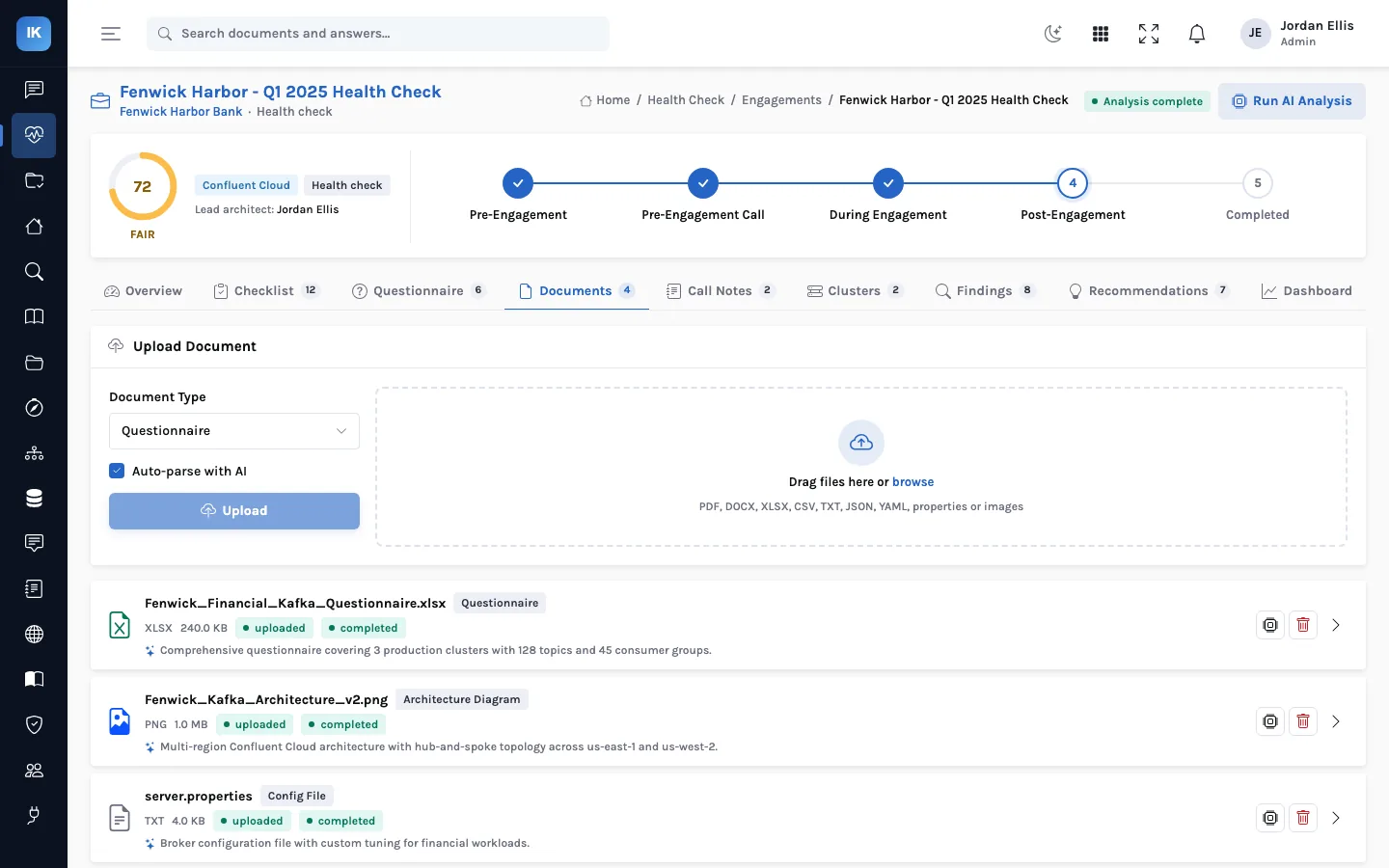
Upload a configuration file to an engagement and InsightKafka detects its type from the name: broker server.properties,
zookeeper.properties, control-center.properties, the output of sysctl -a, or JVM options. Java
properties files are parsed as key and value pairs with comments and continuation lines handled; JSON is flattened into the same
shape, and YAML is read on a best-effort basis as if it were a properties file. You can also paste text straight from a terminal instead
of uploading a file.
The rules
There are rules for more than forty keys. A rule returns one of three answers (Y, the setting meets the practice; N, it does not; NA, it could not be judged), a short note with the value found, and a confidence. Some examples:
| Setting | What the rule checks |
|---|---|
default.replication.factor | 3 is ideal, 2 acceptable, 1 a failure |
min.insync.replicas | At least 2, so acks=all means something |
unclean.leader.election.enable | Should be false: true can lose acknowledged data |
auto.create.topics.enable | Should be false, so topics are created on purpose |
auto.leader.rebalance.enable | Should be true |
security.protocol | SSL or SASL_SSL; SASL_PLAINTEXT is flagged as authentication without encryption |
authorizer.class.name | The current ACL authorizer, not the legacy SimpleAclAuthorizer |
compression.type | Set to producer, so producers choose the codec |
vm.swappiness | 1 or lower on broker hosts |
net.core.rmem_max, wmem_max | Socket buffers of at least 2 MB |
nofile | A high enough open-file limit for segments and connections |
KAFKA_HEAP_OPTS, KAFKA_JVM_PERFORMANCE_OPTS | A maximum heap of at least 512 MB, and G1GC in use |
zookeeper.session.timeout.ms, maxClientCnxns, autopurge.snapRetainCount | ZooKeeper timeouts, connection limits and snapshot retention |
Many other keys (broker.rack, advertised.listeners, thread counts, retention, quotas, message size limits)
are checked for presence, so the reviewer can see at a glance what was set explicitly and what was left at a default.
Into the checklist
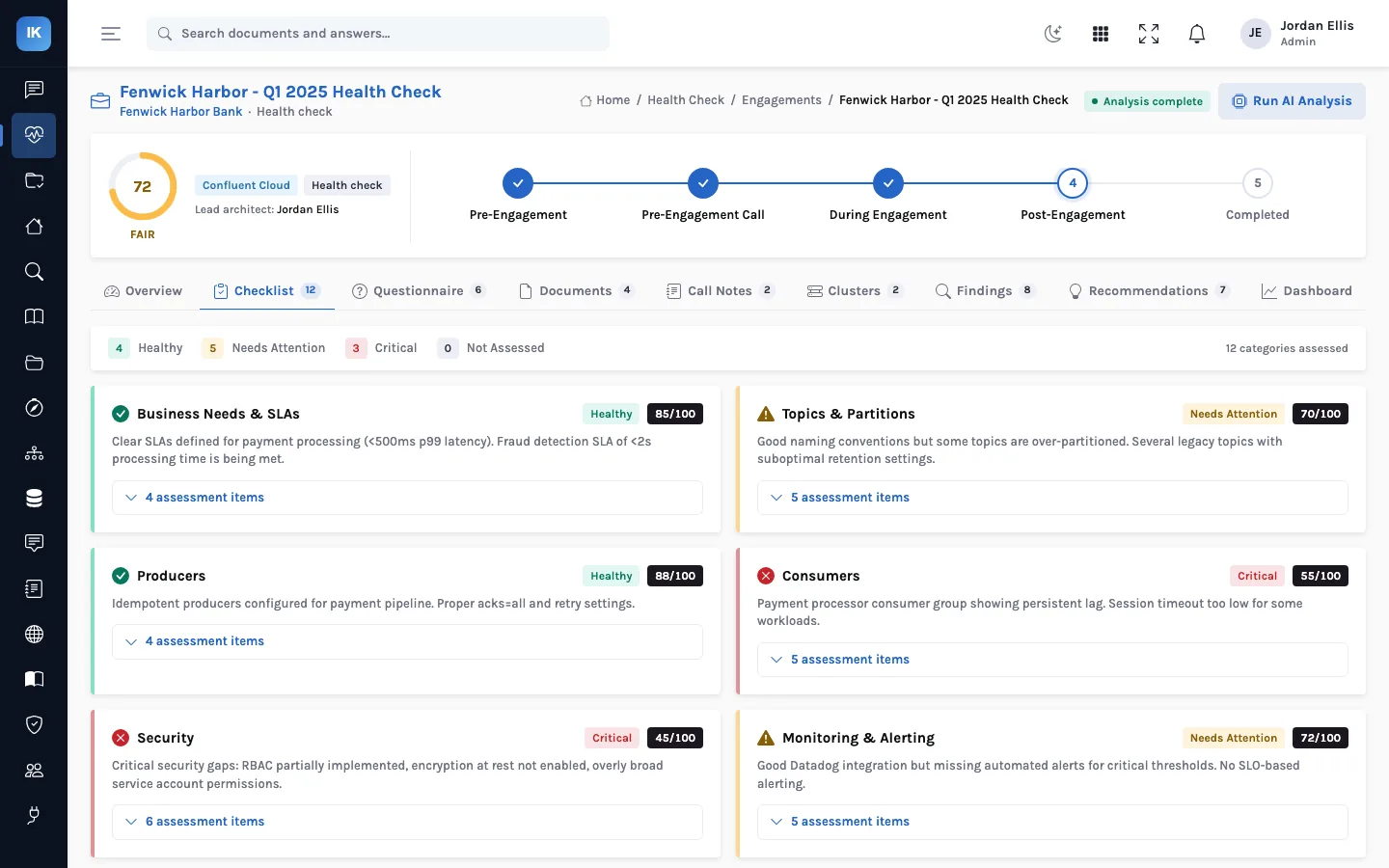
Each rule result becomes a response on the checklist item that the key belongs to, with the note and the confidence, so the architect starts the review with the mechanical part done. The checklist itself is a structured template of eighteen areas (from business needs and SLAs through ZooKeeper, broker deployment, storage, configuration, network and multi-tenancy, security, alerting, multi-datacenter, Control Center, topics, producers and consumers to platform management) with over a hundred items.
server.properties and overridden per topic, or right on one broker and different on another. Upload every broker's file, and check topic-level overrides in the cluster's topic list.A worked example
Here is a short, made-up broker file and what the rules return for it:
default.replication.factor=2
min.insync.replicas=1
unclean.leader.election.enable=true
auto.create.topics.enable=false
compression.type=lz4| Key and answer | Note recorded (confidence) |
|---|---|
default.replication.factor: Y | 2 (acceptable) · 0.85 |
min.insync.replicas: N | 1 (should be at least 2 for acks=all) · 0.95 |
unclean.leader.election.enable: N | true (should be false) · 0.9 |
auto.create.topics.enable: Y | false (correctly set) · 0.9 |
compression.type: N | lz4 (recommended: producer) · 0.8 |
The answers land on the checklist, for the cluster you chose when uploading or for the engagement as a whole, and every N is highlighted. Answers the rules wrote can be overwritten by the next file you parse; an answer someone typed by hand is never overwritten by a rule.
What a rule does not see
- Missing keys. A key that is not in the file gets no answer at all, rather than a judgement of the default. In Apache
Kafka,
min.insync.replicasdefaults to 1, so a file that leaves it out has the weakest setting and no rule will say so. Treat blank checklist items as questions, not passes. - Listener security. The encryption rule reads
security.protocol, which is mainly a client setting. Brokers declare theirs throughlistenersandlistener.security.protocol.map, which no rule evaluates, so check those by eye. - KRaft authorizers. The authorizer rule recognises the ZooKeeper-era ACL authorizers. A KRaft cluster's
StandardAuthorizercomes back as NA, which means “look at this”, not “wrong”. - Opinions built in. Some rules encode one practice:
compression.typeshould beproducer, and ZooKeeper'smaxClientCnxnsshould be 0 (no per-host limit). If you chose otherwise for a reason, record the reason on the item.
Questions
Can we add our own rules?
The rules are a table of keys and evaluators in the product's configuration parser. Adding a key is a code change, not a screen setting, and the key also has to be linked to a checklist item for its answer to appear.
How should we name the files?
The file type is detected from the name: anything with sysctl in it is read as sysctl output, .json as JSON,
and a name containing jvm, heap or env as JVM options; everything else as a properties file. Name
files by broker and type (broker-1-server.properties, broker-1-sysctl.txt) and avoid “env” in the
name of a properties file, or it will be read as JVM options.
Do the rules work on Confluent Cloud?
There are no broker files on a managed service, so most broker and operating-system rules do not apply. Cluster and topic settings still matter; record them in the cluster and topic views and on the checklist.
The setting that blocks writes
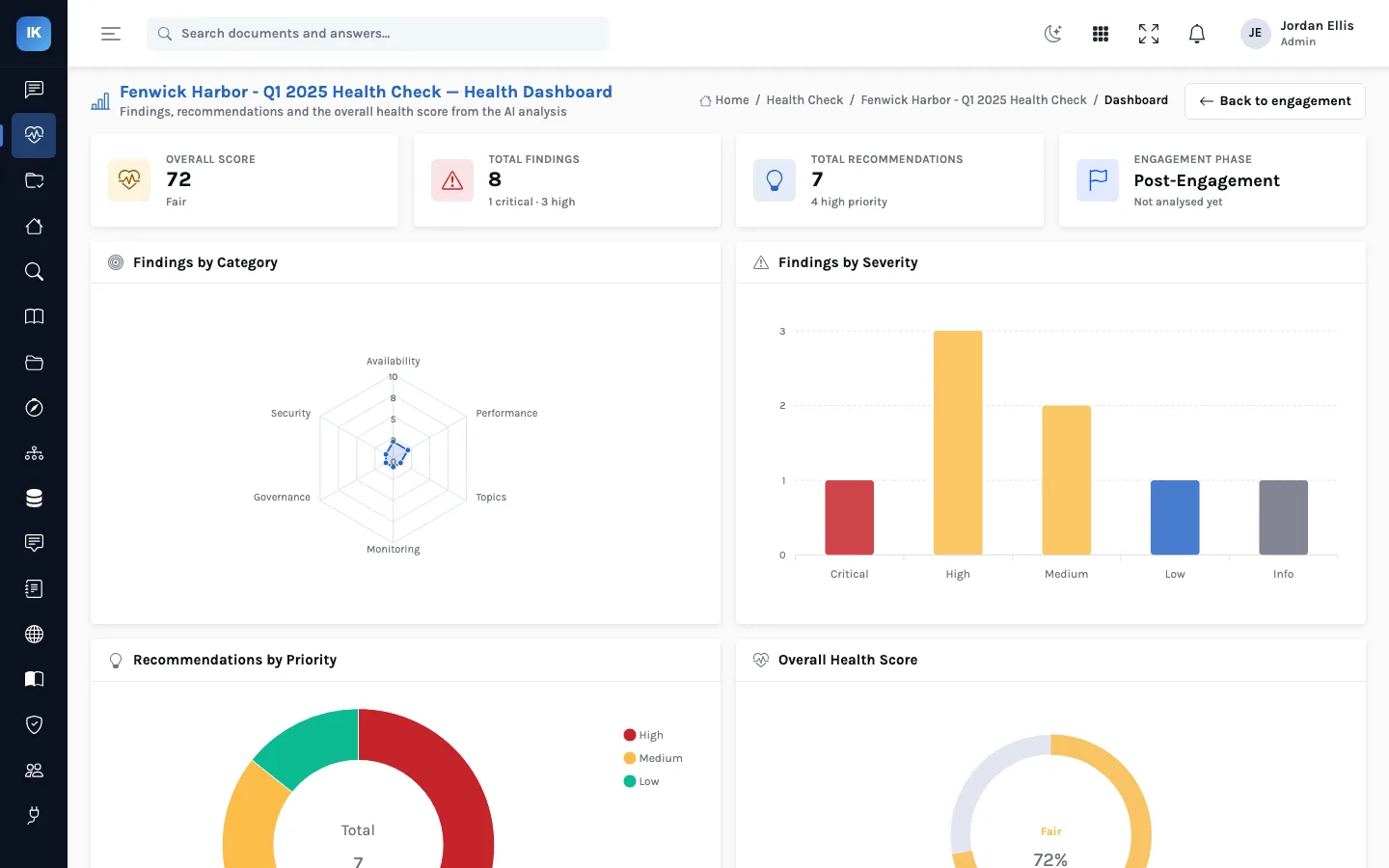
On the fictional Fenwick Harbor payments cluster, the rules find min.insync.replicas=3 with a replication factor of 3. Each key passes its own rule, but together they mean every replica must be in sync for a write with acks=all to succeed, so one broker restart stops producers. Catching combinations like this is the review's job, not a single rule's; it becomes the engagement's one critical finding, with the evidence and the fix (set it to 2) on the recommendation.
Next: the analysis engine and how the health score is calculated.