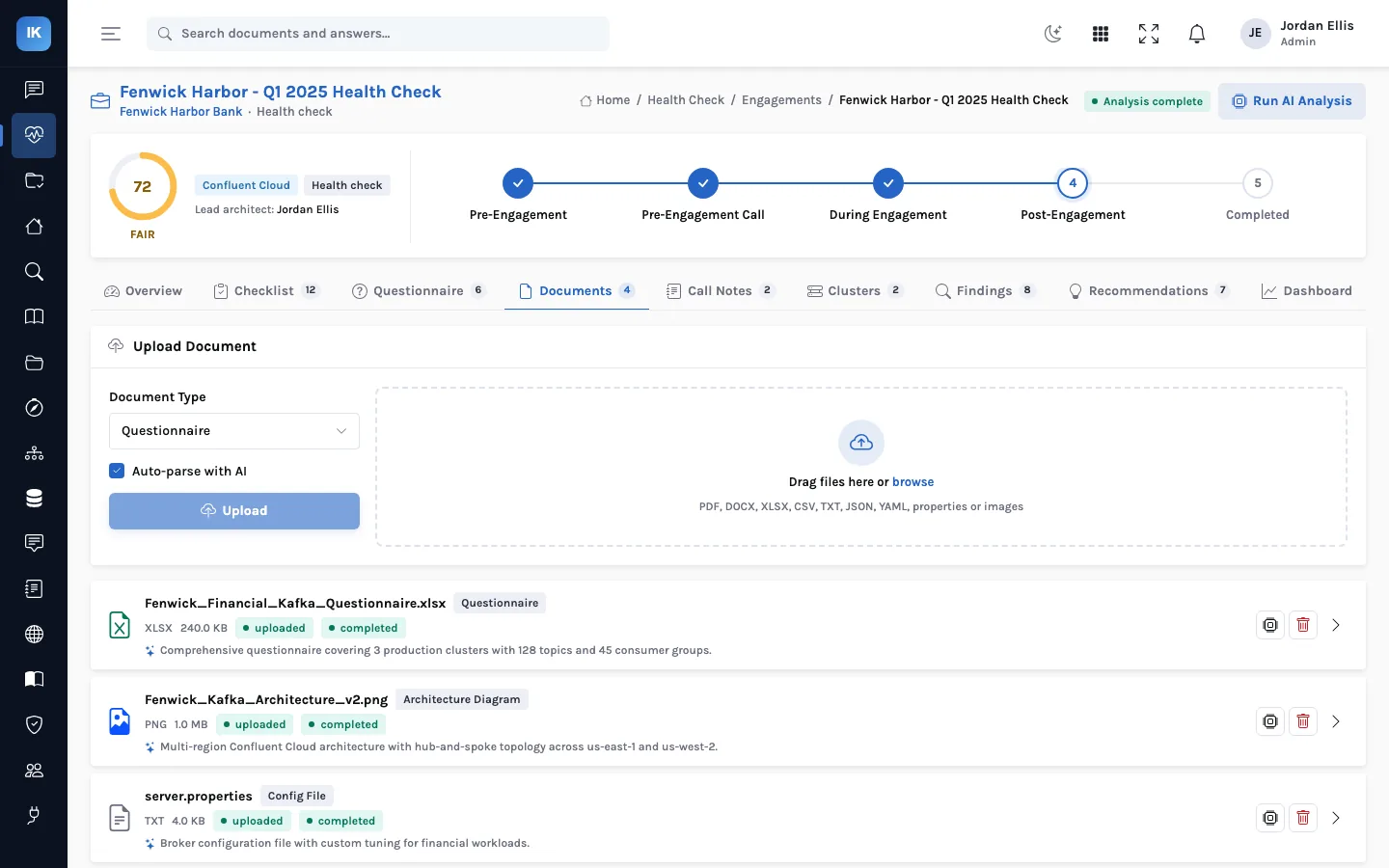
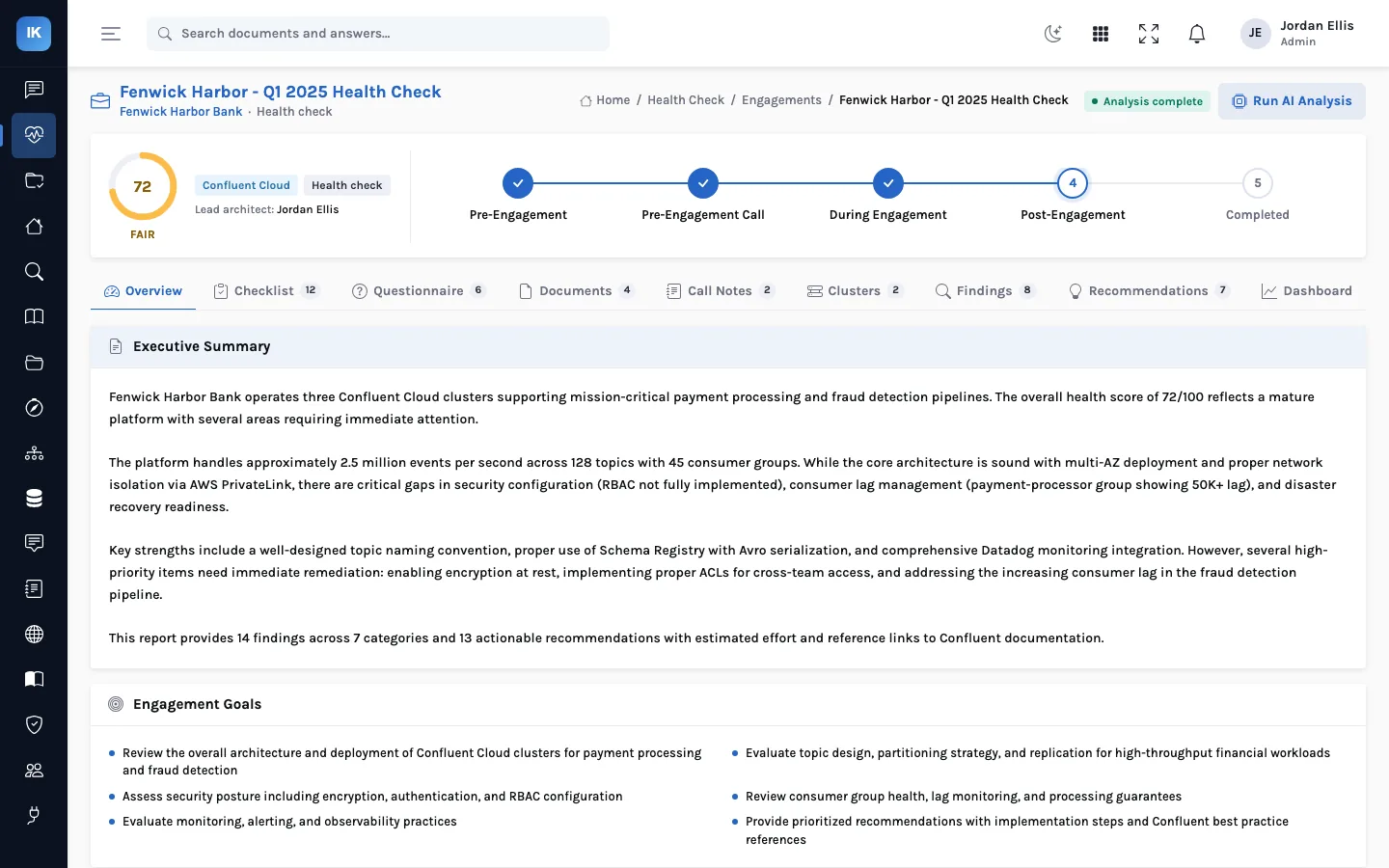
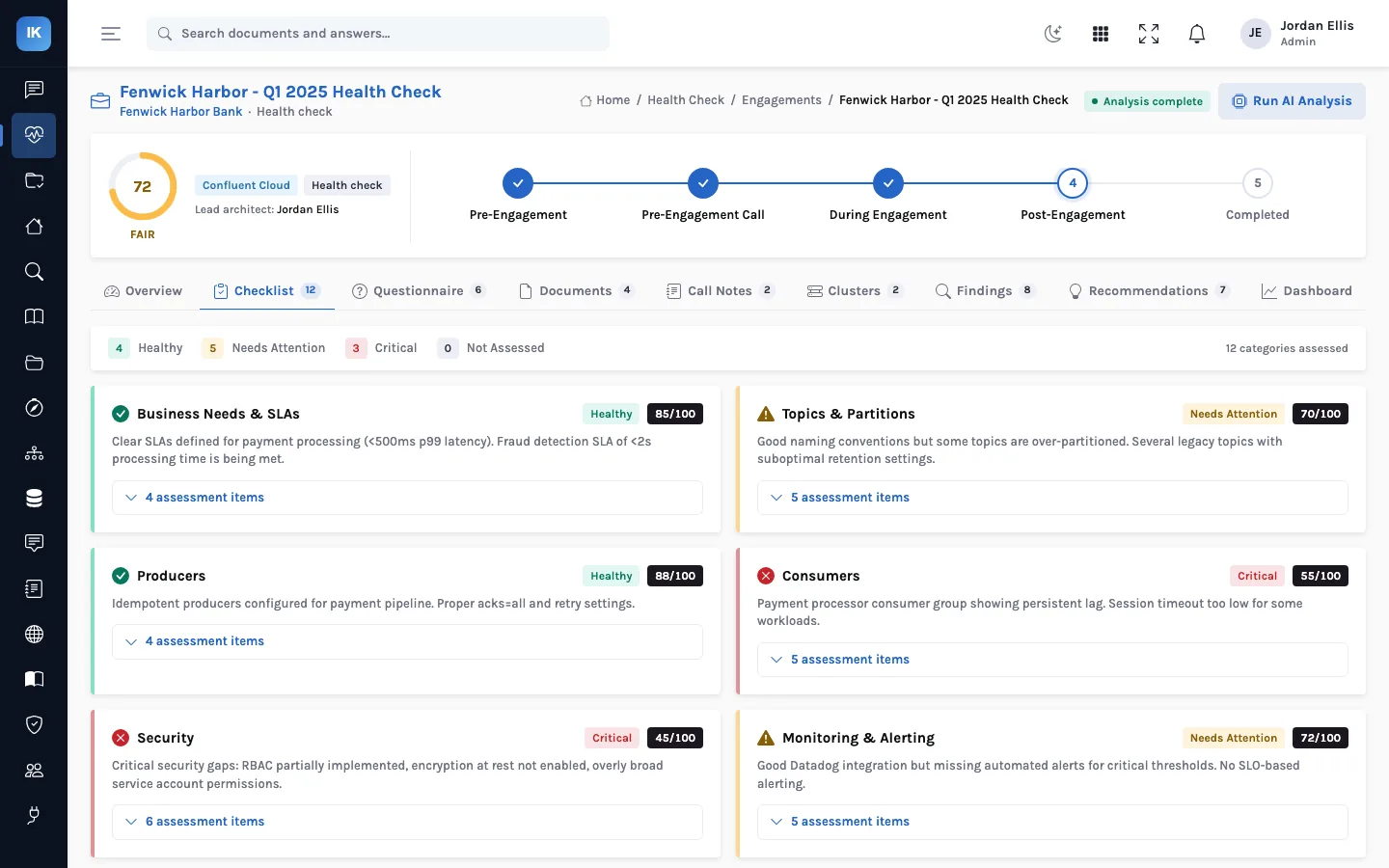
A consultancy that runs Kafka health checks sells judgment, but the customer also buys consistency: the same depth of review, the same kind of report, and scores that mean the same thing from one customer to the next and from one year to the next. That is hard when every architect keeps their own spreadsheet. InsightKafka makes the method the tool's job.
Starting an engagement
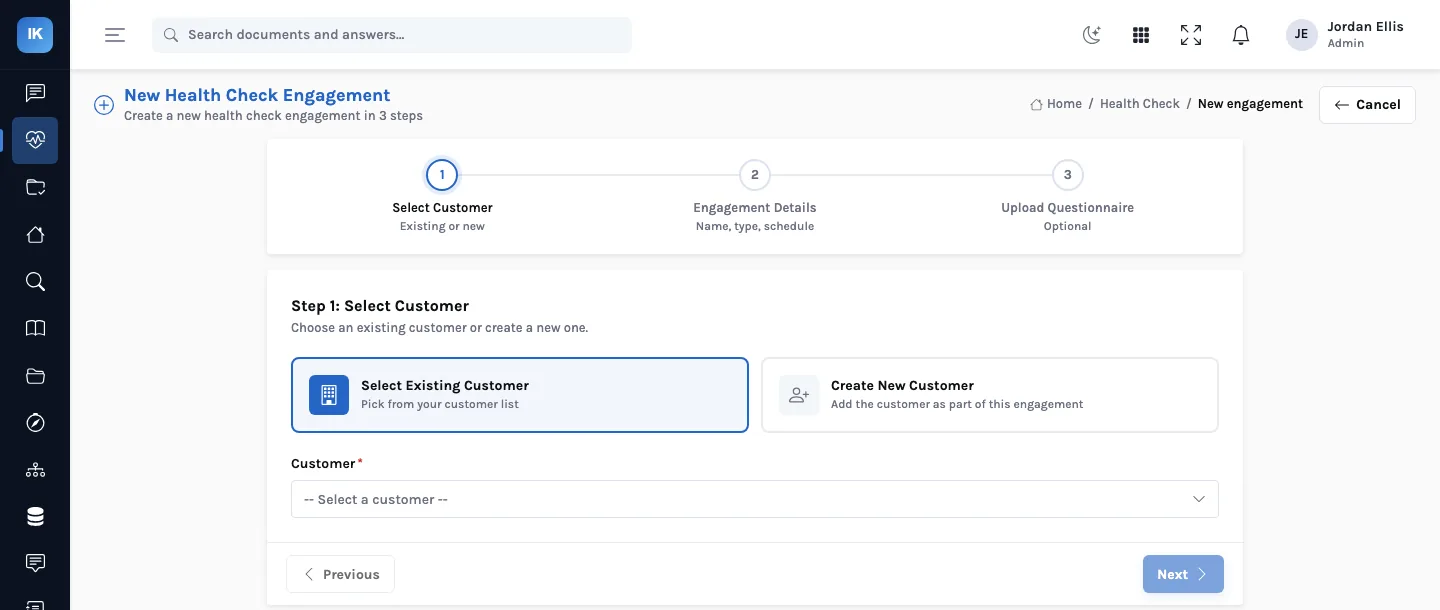
The engagement wizard takes three steps: select or create the customer, set the engagement details (name, type, schedule), and optionally upload the intake questionnaire. From there every engagement has the same tabs, the same five phases and the same checklist template.
What stays the same, and what does not
| Same for every customer | Different for every customer |
|---|---|
| Phases from pre-engagement to completed | The questionnaire answers and call notes |
| The checklist template and its categories | The clusters, topics, groups, connectors and schemas |
| Configuration rules and their thresholds | The findings and their evidence |
| Score weights, deductions and bands | The recommendations and their order |
| The report's structure and branding | The executive summary |
The report
The report is generated from the engagement: cover page and executive summary, customer and environment overview, cluster architecture review, the checklist by category, findings, recommendations, the health score dashboard with charts, and an appendix with further reading. It is produced as a branded PDF from templates, so the layout is the same for every customer and the content is entirely the engagement's.
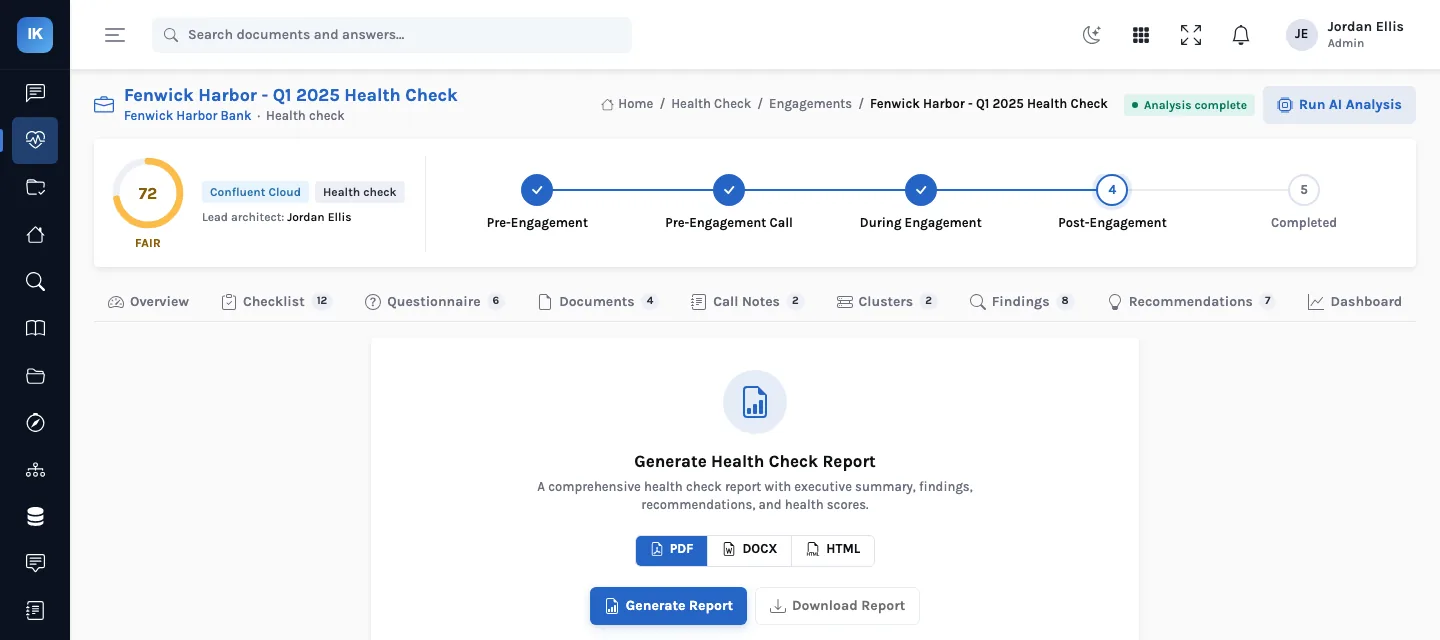
Two report templates
| Template | Sections |
|---|---|
| Kafka health check | Executive summary; customer and environment; cluster architecture; findings summary and AI analysis; detailed findings; recommendations and remediation plan; platform checklist; security and governance; appendix and further reading |
| Production readiness assessment | Executive summary; customer and environment; cluster architecture; go/no-go decision; production blockers; operational, performance and capacity, security and compliance, disaster recovery, deployment and team readiness; all findings; recommendations; readiness checklist; appendix |
Each section can carry a short AI-written insight on top of the engagement's data, and the checklist section is filtered to the categories that belong to the engagement's type. Engagement types without their own template (a security audit, say) keep the tabs and score but need a template before their report can be generated.
A new architect, the same standard
A fictional consultancy, Quillon Data Partners, hires an architect who has never run one of its health checks. She runs her first on a Redpanda customer using the same engagement template, checklist and scoring as everyone else, and her draft report goes to a senior reviewer in the same format as every other. The reviewer's comments are about the findings, not the formatting, which is the point.
Across a portfolio
- Trend over time. A customer checked every quarter has a series of engagements scored the same way.
- Comparable across customers. A partner can see which customers are at risk without reading every report.
- Reusable knowledge. Recommendations carry implementation steps and documentation links that improve with every engagement.
What a senior reviewer checks in a draft
Because the format is fixed, a review can concentrate on substance. A short list that catches most problems:
| Check | Where to look |
|---|---|
| Every critical and high finding has evidence a customer can verify | Findings tab: the evidence and current-state fields |
| Findings sourced to call notes are worded as reported, not measured | The finding's source label |
| No category scored 100 because its analysis failed | Findings tab: any informational “Analysis Error” entries |
| Recommendations' documentation links open and say what the step claims | Recommendations tab |
| The executive summary matches the findings after any edits | Overview tab and the report's first page |
The fourth check matters more than it looks: recommendation links are drafted by the model, and a link to a page that does not exist undermines an otherwise careful report. None of these needs the reviewer to have been on the calls, which is what makes a second pair of eyes practical on every report.
Running a consistent practice: a checklist
- Agree on one preparation pack for customers (the preparation guide is a starting point) so every engagement starts from the same files.
- Keep the default engagement type per offer: a first check, a follow-up, a migration readiness review.
- Make one person per engagement the administrator who edits findings; reviewers comment, the administrator changes.
- Do all finding edits after the last analysis run, since a re-run replaces AI-drafted findings.
- Have a second architect read every report before it goes out, against the evidence on the engagement.
Trade-offs
A fixed method makes engagements comparable, but it also means a customer with an unusual setup is scored on the same seven categories as everyone else. Use the findings and the executive summary for what is specific to them, and resist changing weights for one customer: the moment scores are calculated differently, the portfolio view stops meaning anything.
Questions
Can we put our own branding on the report?
The report is rendered from HTML templates with a stylesheet, so branding is a template change made once for your deployment, not a per-report setting.
Does the score mean the same thing on Redpanda as on Confluent?
The arithmetic is the same, and the analysis is told which platform it is looking at, so findings and documentation links fit the platform. A score compares how many and how severe the problems found were; it does not compare the platforms themselves.
Can a customer see their engagement before the report?
The engagement is a working space for the architects. Share the generated report, or walk the customer through the dashboard on a call, rather than giving them access to the drafts.
Can several architects work on one engagement?
Yes. An engagement records a lead architect, and everyone with access sees the same tabs. Edits to findings are restricted to administrators.